Ransomware attacks have changed. Criminal groups no longer just encrypt files; they first steal data, then encrypt servers and backups, then threaten to publish what they took. They choose weekends and holidays, and they deliberately look for backups to destroy. Companies that recover in hours have usually prepared in advance. Companies that pay usually have not.
How a typical attack unfolds
- Initial access: a phishing email, a stolen password for VPN or remote desktop, or an unpatched internet-facing system.
- Expansion: the attacker gains administrator rights and maps the network, often over several days or weeks.
- Data theft: sensitive files are copied out quietly.
- Destruction of recovery options: backups, snapshots and shadow copies are deleted.
- Encryption and extortion: systems are encrypted at once, and a ransom note appears.
Every step is an opportunity to stop the attack. Good preparation targets all of them.
Prevention that pays off most
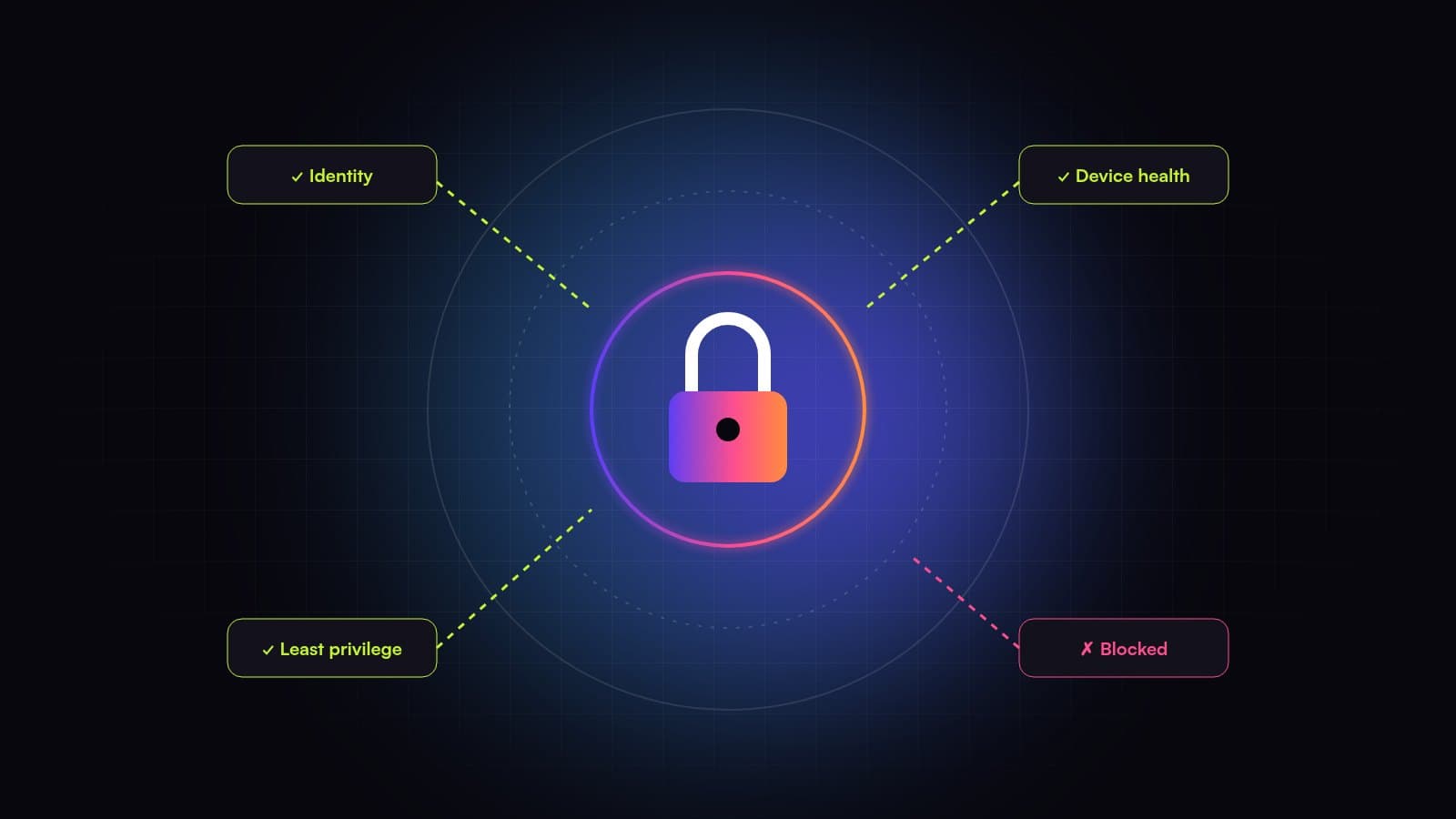
- Multi-factor authentication on email, VPN, remote access and every administrator account.
- No remote desktop exposed to the internet. Use a VPN or identity-aware access instead.
- Fast patching of internet-facing systems, firewalls and VPN appliances, which are a favourite entry point.
- Endpoint detection and response (EDR) on servers and computers, monitored by someone who will act on alerts at night.
- Separate administrator accounts, used only for administration and never for email or browsing.
- Phishing-aware staff who report suspicious emails quickly instead of quietly deleting them.
Backups that survive an attack
Many victims have backups that are encrypted along with everything else. Follow the 3-2-1-1-0 rule:
- 3 copies of important data,
- on 2 different types of storage,
- 1 copy off-site,
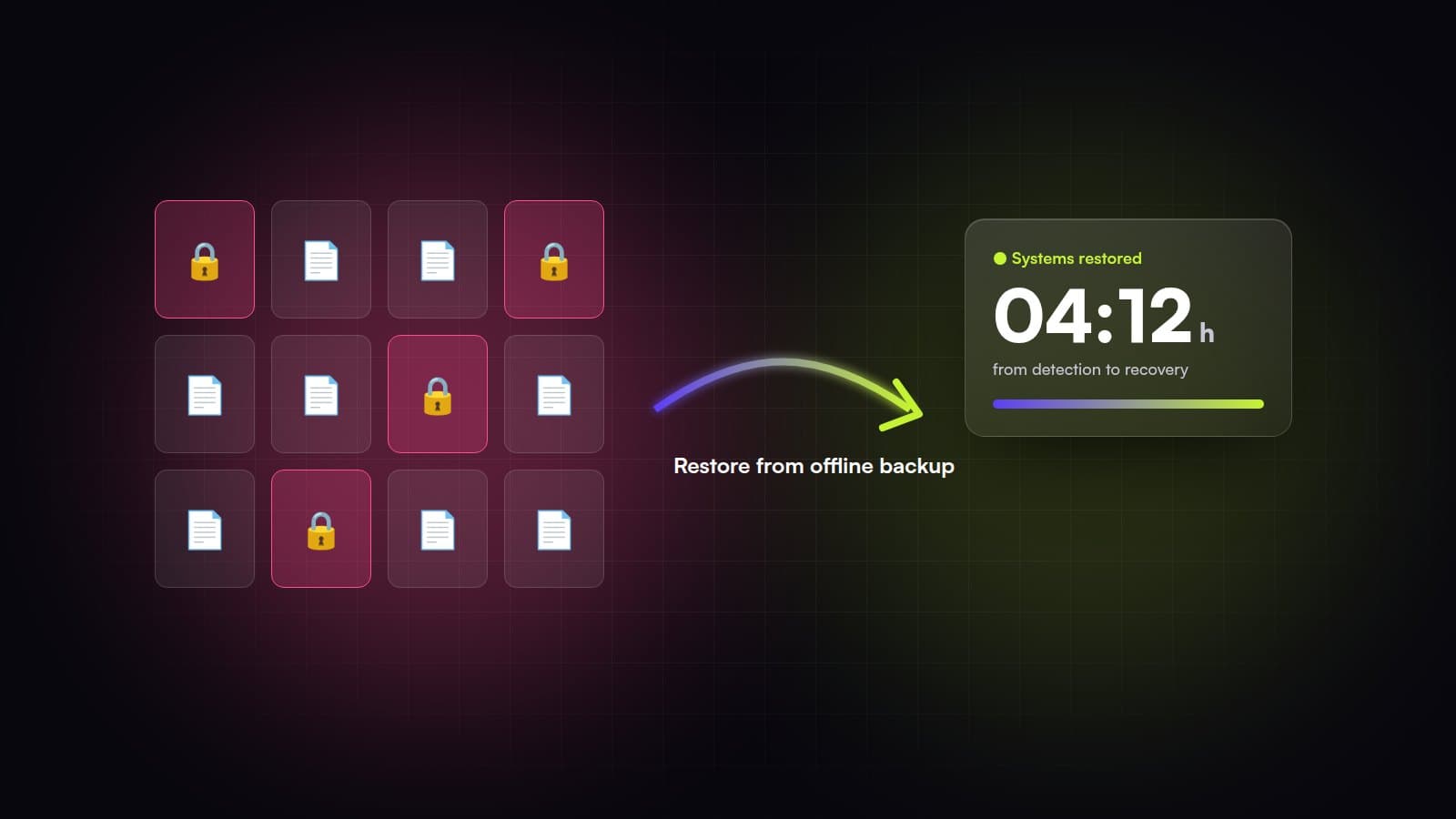
- 1 copy offline or immutable, which cannot be changed or deleted even with administrator rights,
- 0 errors in regular restore tests.
Use separate credentials for the backup system, keep it out of the main domain and test full restores, not just individual files. Measure how long restoring your most important systems really takes; that number is your realistic recovery time.
Segmentation limits the damage
On a flat network, one infected computer can reach every server. Separate servers, user computers, management interfaces, backups, cameras and IoT into different network zones. Allow only required traffic between them and block administrative protocols from user zones. Segmentation turns a company-wide disaster into a contained incident.
The first 24 hours
Hour 0 to 1: contain
- Disconnect affected machines from the network, but do not switch them off; memory may hold evidence and even encryption keys.
- Disable compromised accounts and reset administrator passwords from a clean device.
- Block suspicious remote access and isolate the backup system to protect it.
- Activate your incident response team and start a written timeline of everything you see and do.
Hours 1 to 6: assess
- Identify which systems and data are affected and whether data was stolen.
- Preserve logs and evidence before anything is rebuilt.
- Check that backups are intact and uninfected.
- Contact your cyber insurer, legal adviser and, where required, the authorities. Data protection laws often require notification within 72 hours.
Hours 6 to 24: recover in the right order
- Rebuild identity services first, then core business systems, then everything else, each from clean images and verified backups.
- Change all credentials and keys, including service accounts.
- Close the entry point before reconnecting anything to the internet.
- Communicate clearly with staff, customers and partners: what happened, what is affected, what you are doing.
Paying the ransom does not guarantee working decryption or that stolen data will be deleted, and in some jurisdictions it may be illegal. A tested recovery plan is always the better investment.
Test before you need it
Run a tabletop exercise at least once a year: give your team a realistic scenario and see how decisions are made, who is called and how long recovery takes. Every weakness you find in an exercise is one the attacker will not find first.
How DEVSTUDIO360 helps
We assess ransomware readiness, design segmented networks and firewall rules, deploy EDR and central monitoring, build immutable and offline backup systems with tested restores, and write incident response plans tailored to your company. If an incident has already happened, we help you contain it and recover safely.