For years, company security looked like a castle: a strong wall at the edge of the network and a lot of trust inside it. A VPN connection or an office cable was enough to reach almost everything. That model is now the main reason small incidents turn into full breaches. One stolen password, one infected laptop or one compromised supplier account, and the attacker moves freely from system to system.
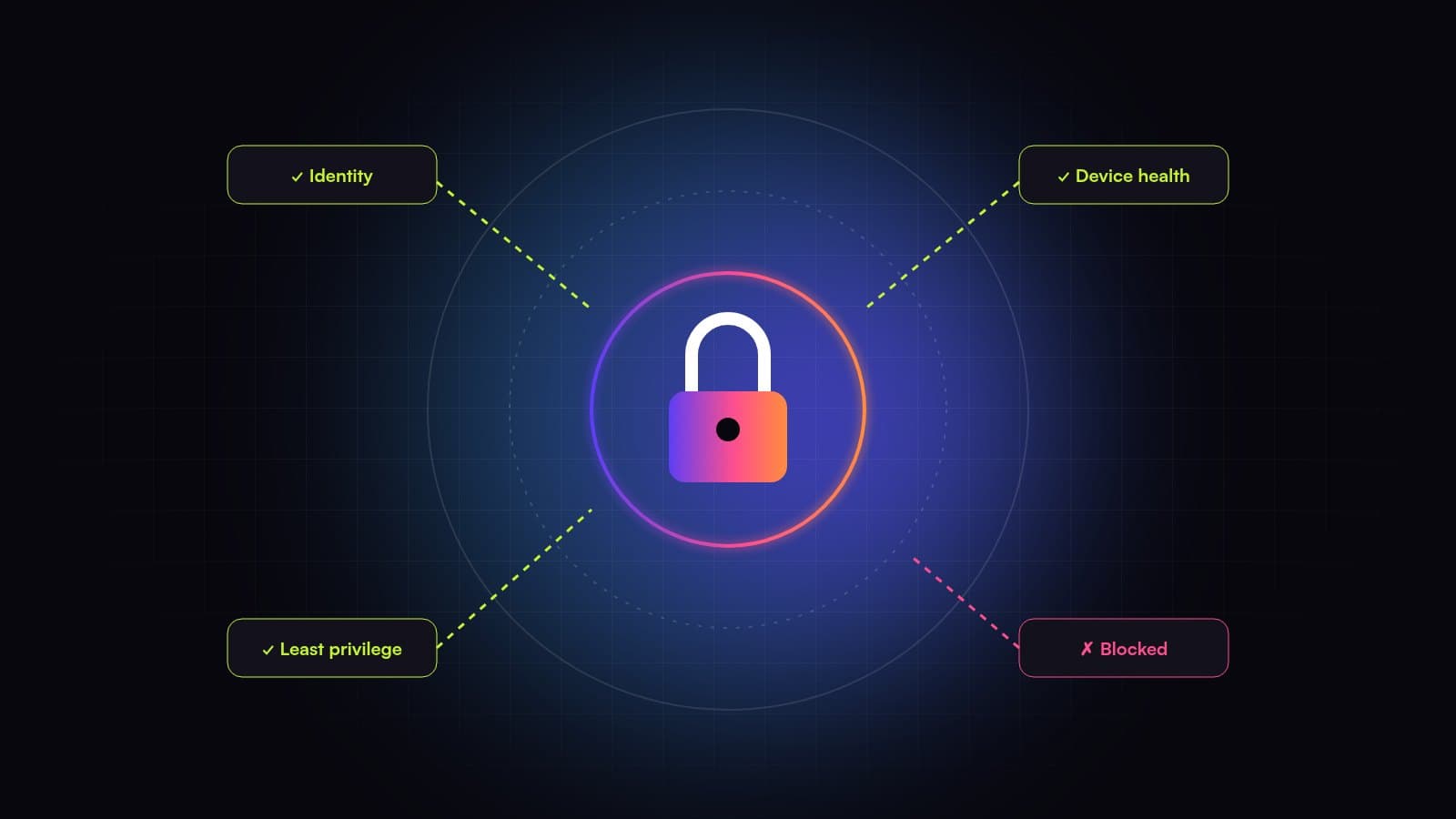
Zero Trust replaces that trust with a simple rule: never trust, always verify. Every request to every application is checked for who is asking, from which device and whether they really need that access, every time. The good news is that you do not need a huge budget or a new team to start. You need a clear order of work.
The five principles in plain language
- Verify identity strongly. Passwords alone are not enough. Every person and every service proves who it is with multi-factor authentication or certificates.
- Check the device. A valid password from an unpatched, unmanaged laptop is still a risk. Access depends on the health of the device as well.
- Give the least privilege. People get access to the applications and data their role needs, for as long as they need it, and nothing more.
- Assume breach. Design as if an attacker is already inside: segment systems so one compromise cannot spread everywhere.
- Watch continuously. Log access, look for unusual behaviour and be able to react in minutes, not weeks.
Days 1 to 30: identity first
Most breaches start with a stolen or reused password, so identity gives the fastest return.
- Make an inventory. List every application your company uses, who has access and how they log in. Include the cloud tools people signed up for on their own.
- Centralise logins. Connect applications to one identity provider (Microsoft Entra ID, Google Workspace, Okta or a self-hosted Keycloak) with single sign-on. One place to disable an account when someone leaves is already a major improvement.
- Turn on multi-factor authentication for everyone, starting with administrators, finance and email. Prefer authenticator apps or security keys over SMS codes, which can be intercepted.
- Remove shared and dormant accounts. Former employees, test users and generic "admin" logins are favourite entry points.
In our audits, centralised login plus MFA removes the majority of realistic attack paths in the first month.
Days 31 to 60: devices and access rules
- Manage company devices with an MDM tool so you can enforce disk encryption, screen lock, automatic updates and endpoint protection.
- Make access conditional. Configure rules such as: finance systems only from managed devices, admin panels only with a security key, sign-ins from unusual countries require extra checks.
- Replace broad VPN access with application-level access. Instead of putting a user on the whole network, publish each internal application through an identity-aware proxy so a user reaches only what they are allowed to use.
- Review permissions with team leads and remove what is no longer needed. Schedule this review every quarter.
Days 61 to 90: segment, monitor and practise
- Segment the network. Separate servers, office computers, guest Wi-Fi, cameras and IoT devices into their own zones, and allow only the traffic each zone really needs.
- Collect logs centrally from the identity provider, firewalls, servers and key applications, and set alerts for clear warning signs: impossible travel, mass downloads, new administrator accounts, disabled security tools.
- Protect backups with a copy that is offline or immutable, so even an administrator account cannot delete it.
- Run a tabletop exercise. Walk through a realistic scenario, for example a stolen manager account, and check who notices, who decides and how fast access is cut.
Common mistakes to avoid
- Buying a "Zero Trust product" before you know your applications and users. Zero Trust is an approach, not a single tool.
- Exempting executives and IT administrators from MFA. They are the most targeted accounts.
- Making rules so strict that people find workarounds. Good security is invisible most of the time and strict only where risk is high.
- Treating it as a one-off project. Access, staff and systems change every month; reviews must be routine.
How to measure progress
Track a few numbers every month: the share of applications behind single sign-on, the share of accounts with MFA, the number of users with administrator rights, the share of managed devices, and how long it takes to remove access when someone leaves. If those numbers move in the right direction, your risk is going down.
Where DEVSTUDIO360 helps
We assess your current setup, design the identity and network architecture, deploy single sign-on, MFA, device management, identity-aware access, segmentation and central logging, and train your team. For organisations that cannot use public cloud services, we build the same Zero Trust model entirely on your own servers.